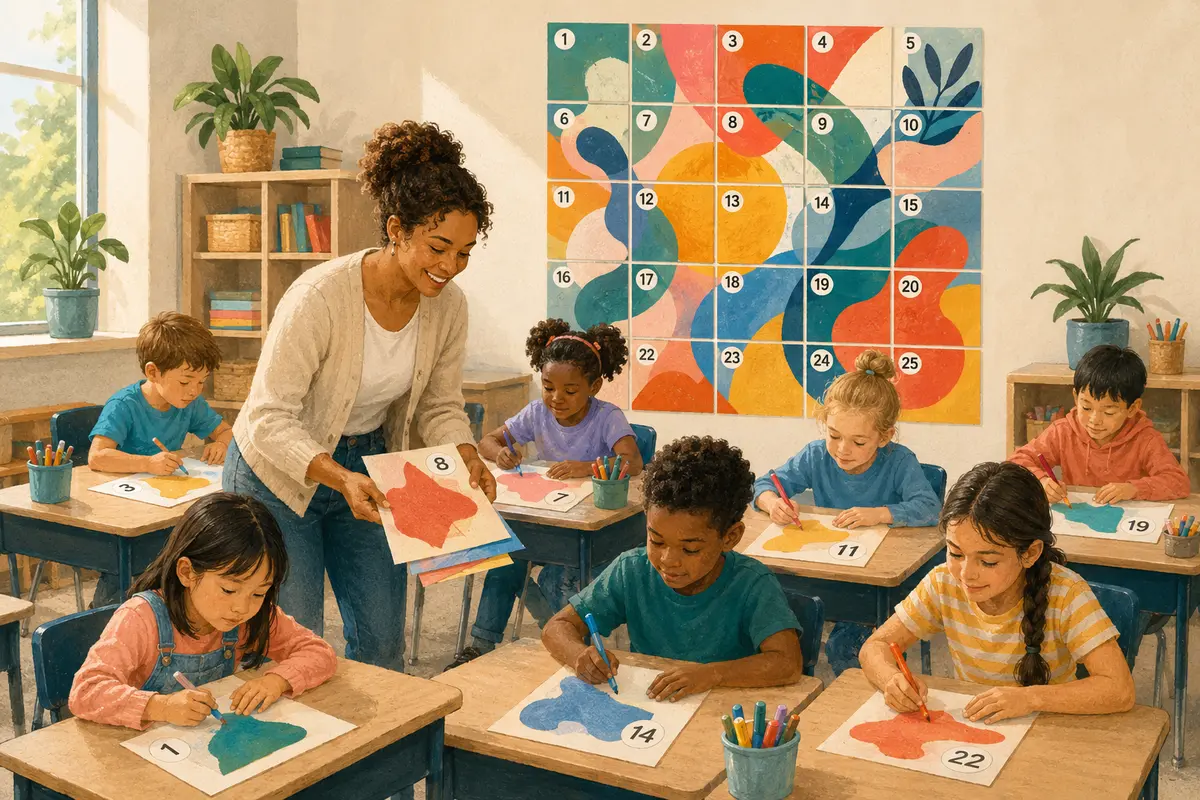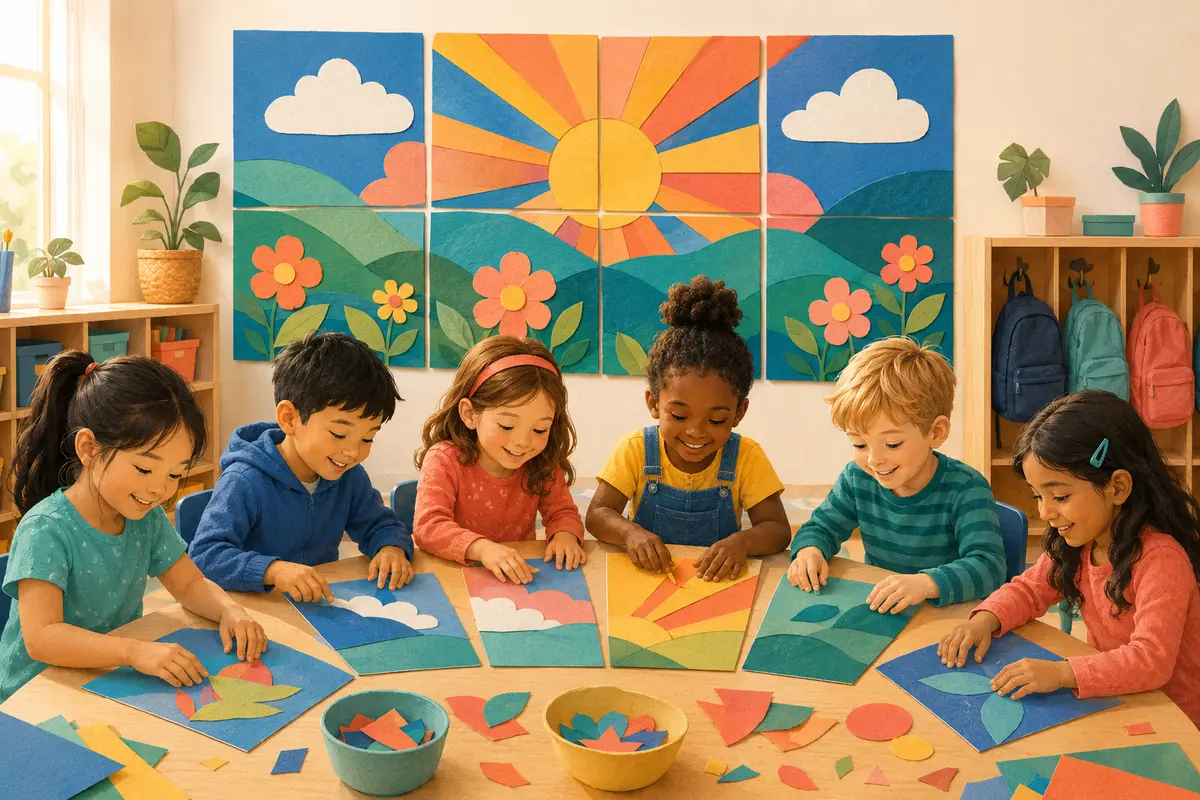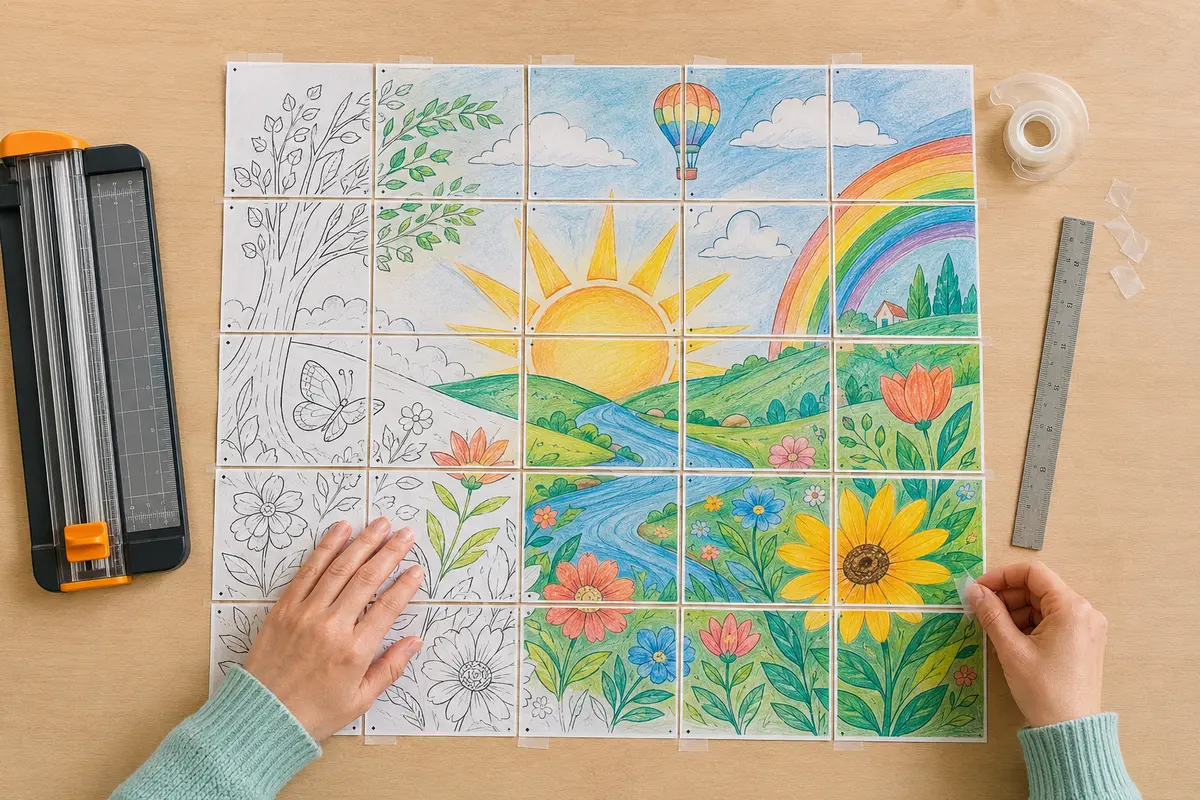
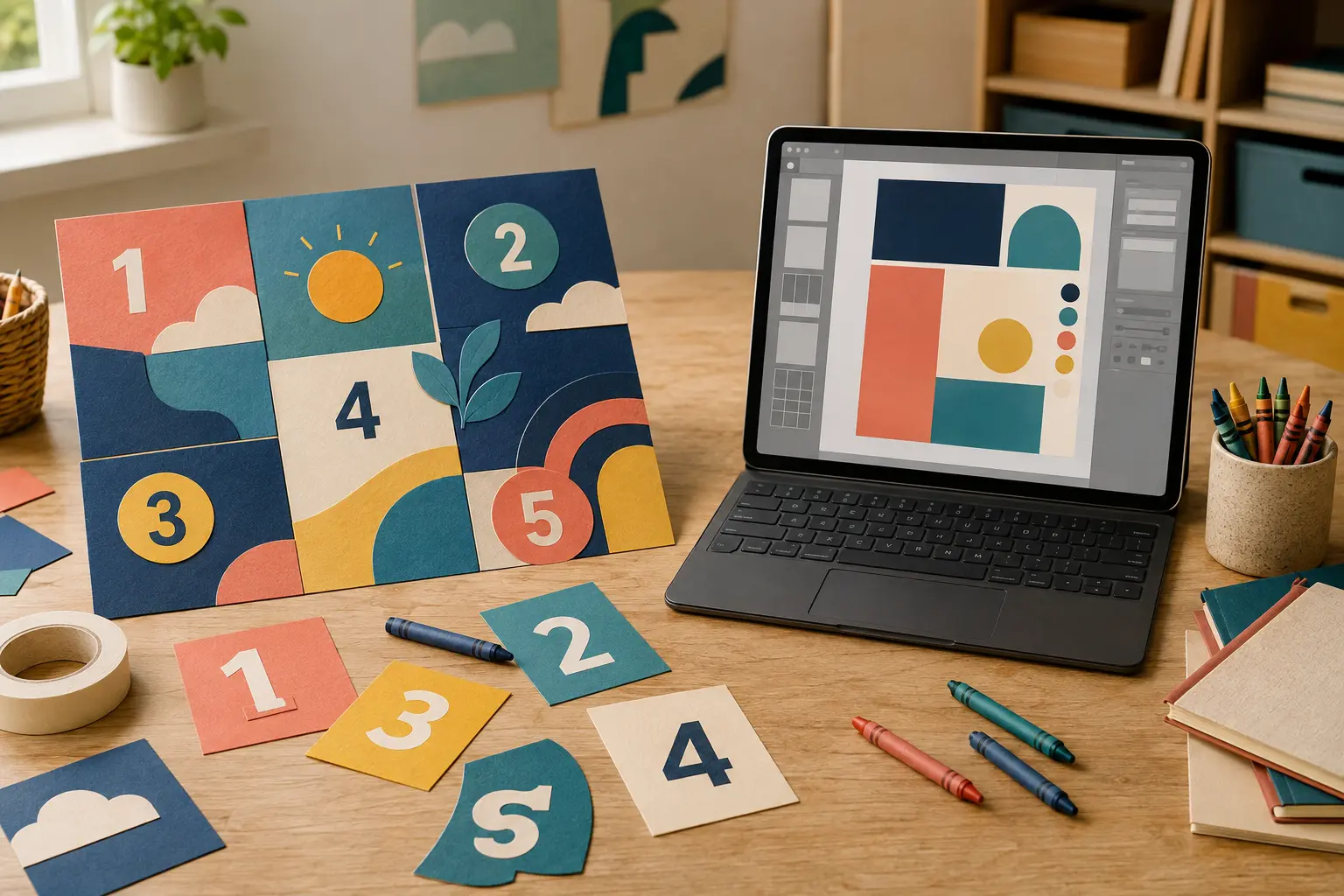
Choose Collaborative Poster when you want a ready-to-print, whole-class coloring activity with 25 individual pieces. Choose Canva when students or teachers need to design a custom digital poster, presentation, or whiteboard from scratch. Neither option is universally better—the right choice depends on whether your priority is fast classroom participation or flexible digital design.
The quick answer
Collaborative Poster is the faster choice for a teacher who wants to print, distribute, color, and assemble one large class display. Canva is the more flexible choice for original layouts, digital collaboration, multimedia, and editable designs. For a 30-minute no-prep art activity, start with a prepared collaborative poster. For a multi-session design assignment in which students choose the words, images, and layout, start with Canva.
What each platform is designed to do
Collaborative Poster offers printable PDF activities built around one shared result. A typical resource includes 25 numbered coloring pages that students complete separately and assemble into a large bulletin-board poster. The structure is already planned, so every student can participate without learning design software.
Canva is a broad visual-communication platform. Teachers and students can create posters, presentations, documents, videos, websites, and whiteboards with templates and a drag-and-drop editor. Canva Education also supports class collaboration and integrations with common learning-management systems for eligible K–12 users.
Collaborative Poster vs Canva at a glance
This comparison focuses specifically on classroom poster projects rather than every feature available on either platform.
| Decision point | Collaborative Poster | Canva |
|---|---|---|
| Best for | Ready-to-print whole-class coloring posters | Custom digital posters and visual assignments |
| Teacher setup | Choose a design, download, and print | Choose a template or build a design, then configure sharing |
| Student task | Color one numbered paper piece | Edit text, images, colors, and layout digitally |
| 25-piece workflow | Built into the printable resource | Requires the teacher to create or organize the pieces |
| Customization | Students personalize their piece with color and pattern | Extensive control over the entire design |
| Devices required | None after printing | A compatible device and internet access for online work |
| Final result | Large physical class mural or bulletin-board display | Digital file that can be presented, shared, or printed |
| Learning curve | Very low | Low to moderate, depending on the assignment |
| Strongest value | Speed, inclusion, and a shared reveal | Creative control, multimedia, and digital literacy |
When Collaborative Poster is the better choice
Use Collaborative Poster when the class needs an activity that works immediately with standard paper and familiar art supplies. It is especially useful for the first week of school, an indoor-recess activity, a seasonal bulletin board, an early-finisher station, or a day when students need a calm shared task.
The numbered-page format also gives every student a clear role. A child does not have to negotiate a digital canvas or wait for editing access: one page belongs to them, and that page is visibly necessary when the image is assembled.
- Best prep time: about 5–10 minutes for downloading, checking settings, and printing.
- Best class size: around 25 students; assign extra pieces to early finishers when the class is smaller.
- Common mistake: printing with Fit to Page instead of Actual Size or 100%, which can make joins inconsistent.
When Canva is the better choice
Choose Canva when creating the design is part of the learning goal. Students can combine original writing, photos, diagrams, icons, audio, or video; collaborate on shared visual work; and revise the result after feedback. It is a stronger fit for persuasive posters, research infographics, digital portfolios, presentations, and whiteboard brainstorming.
Canva Education is designed for eligible K–12 educators and students and includes education-specific collaboration, templates, and classroom integrations. Eligibility, school controls, and available features should be checked before planning an assignment.
A realistic classroom comparison
Imagine a teacher wants a welcoming hallway display before families arrive on Friday. With a prepared 25-piece poster, the teacher can print on Thursday morning, give each student one page, and assemble the result after the coloring session. The finished work is physical and display-ready.
If the goal is instead for five groups to design their own campaign posters about water conservation, Canva provides more freedom. Students can research, draft a message, select visuals, build a layout, and present the final digital designs. That richer design process takes longer but practices different skills.
Can you use Collaborative Poster and Canva together?
Yes. The tools can complement each other. Students can complete a printable collaborative poster as the central artwork, then use Canva to design the display title, vocabulary cards, reflection prompts, or a digital slideshow documenting the assembly process. Teachers can also photograph the completed mural and place the image in a Canva newsletter or class presentation.
Keep the original printable at its intended scale. Adding decorative materials in Canva is safer than importing and resizing individual poster pieces, which may change the alignment between pages.
Cost, access, and classroom practicality
Compare the cost of the specific resource with the time needed to build an equivalent activity. Collaborative Poster products are purchased or downloaded as printable resources, and a free collection is available for trying the format. Canva Education is presented by Canva as free for eligible K–12 educators, students, and qualified institutions, but verification and teacher invitation rules apply.
Prices, plan limits, and features can change. Before assigning a digital project, confirm current eligibility, student-account requirements, privacy settings, device access, and whether your school has approved the platform.
Frequently asked questions
Is Collaborative Poster a Canva replacement? Not for general graphic design. It solves a narrower classroom need: turning individual printable coloring pages into one large shared poster. Is Canva better for student-created posters? Usually, when students need full control over text, images, and layout. Which is easier for young students? A printed piece is usually simpler because it requires no login or design-tool training. Which is better for a bulletin board? Collaborative Poster is faster for a large physical group display; Canva is better when the display must be completely custom.
Sources and official resources
Features, access rules, and plan limits were checked against the official resources below. They may change, so confirm the latest details before choosing a classroom platform.
Ready to create together?
Choose a printable, give every student a piece, and watch the big picture come to life.
Explore ready-to-print collaborative posters ↗